
From time to time, there's a need to check batteries. Most often, this is because an electrical device isn't working on its own. Sometimes it can be like this: You buy a new battery, come home, plug it into a watch, phone, multimeter, or other device, and nothing happens. Two questions arise: 1) Is the device working? 2) Is the battery dead?
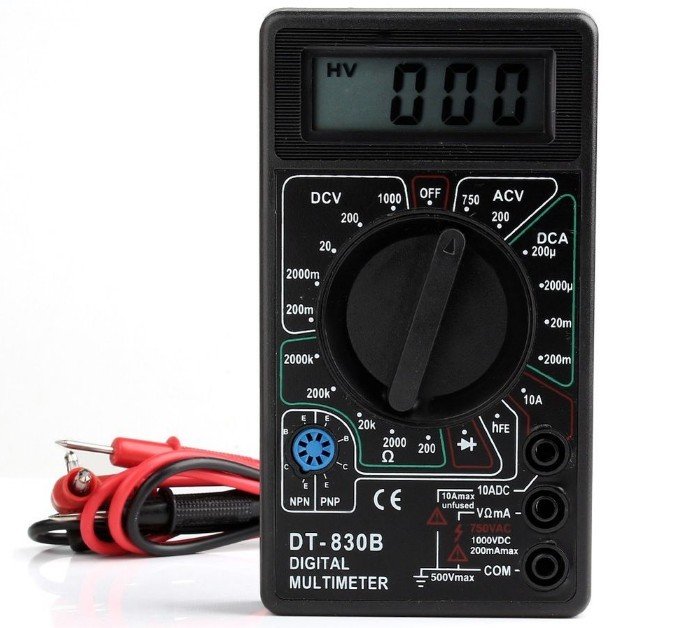
After that, you want to check the battery. A multimeter is most often used as a measuring device. It can be any type, including DT 182, DT 830B, DT 832, MAS838, etc. The main thing is that it shows voltage.
This article will show and explain how to check the voltage of the power source and its performance.
- Checking AA batteries with a multimeter
- How to test a battery with a multimeter under load?
- How to test a AAA battery with a multimeter?
- How to test a phone battery with a multimeter
- How to check a tablet battery with a multimeter?
- How to check a screwdriver battery with a multimeter?
- How to test a krona battery with a multimeter?
- How to test a watch battery with a multimeter?
- How to test a CR2032 battery on a motherboard with a multimeter?
- How to check a battery with a multimeter?
Checking AA batteries with a multimeter
For verification AA batteriesLet's use a digital multimeter. This is a convenient device that can be used to check voltage, current, resistance, and wire integrity. capacityand much more.
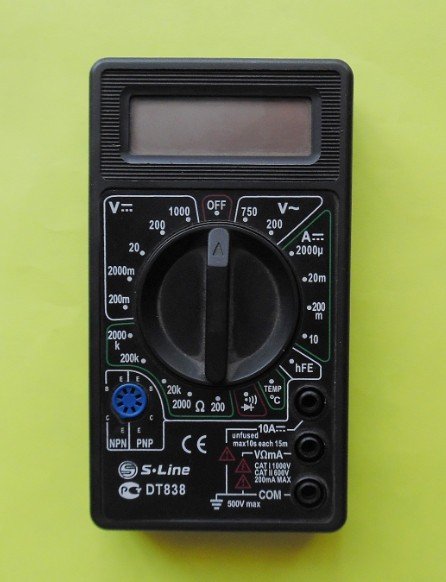
To properly test a battery with a multimeter, the device's probes must be installed in a similar manner.
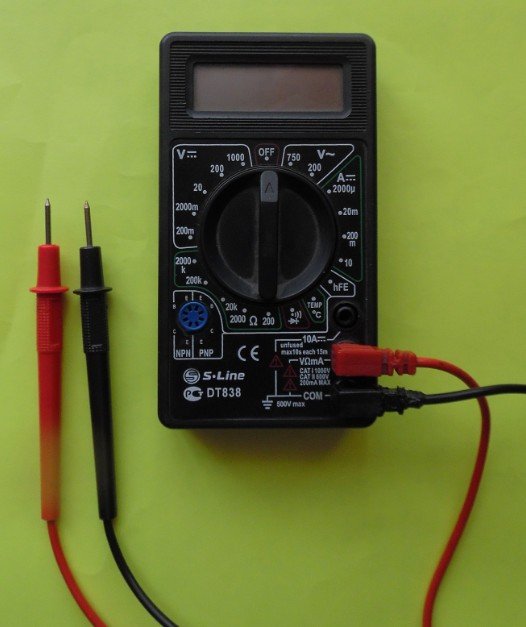
We move the switch to the left side to the value 20.
The red wire is responsible for “+”, the black wire is responsible for “-”.
Take the red probe and connect it to the positive terminal of the power source. Then take the black probe and touch it to the negative terminal, or simply minus.
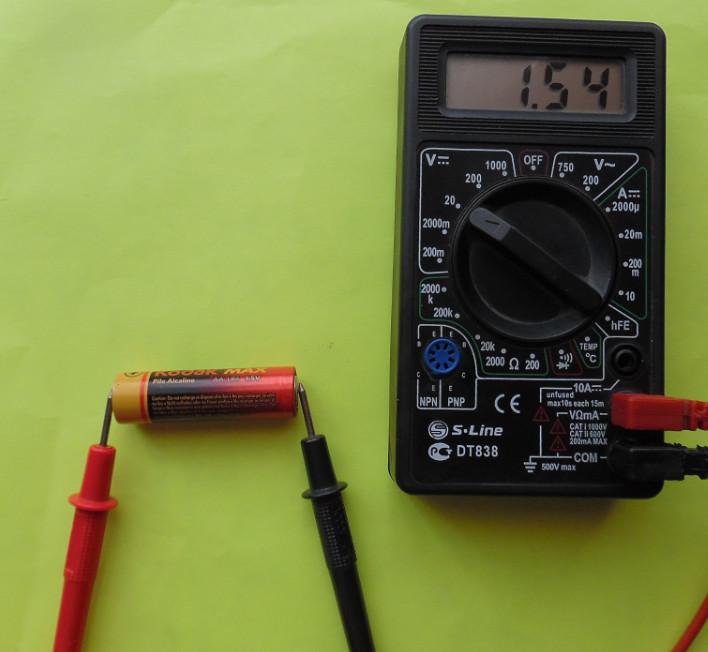
Once the connection is made, the device will display the exact voltage of the AA battery. The standard voltage for an AA battery is 1.5 volts. It's okay if the device reads 1.54 or 1.45 volts. Generally, judging by the voltage, the battery is usable. However, if it doesn't work despite displaying good voltage, it either has very low amperage or is damaged in some way. In this case, it's best to buy a new one.
So, the check AA batteriesThe multimeter is used as shown in the figure.
Brief algorithm of actions:
- We connect the black probe to the measuring device in the lowest hole.
- We attach the red probe to the middle hole.
- We set the lever to number 20 on the left side.
- We take the red wire and connect it to the positive terminal of the battery.
- We take the black wire and attach it to the negative terminal of the battery.
- We look at the displayed value on the device display.
How to test a battery with a multimeter under load?
To perform this procedure, you need to connect the battery to an electrical device—for example, a micromotor, a light bulb, or an LED—and connect the contacts of the measuring device in parallel. The figure below shows how this can be accomplished, along with a circuit diagram.
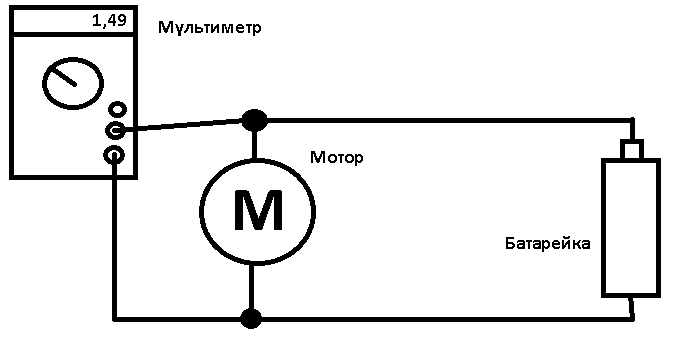
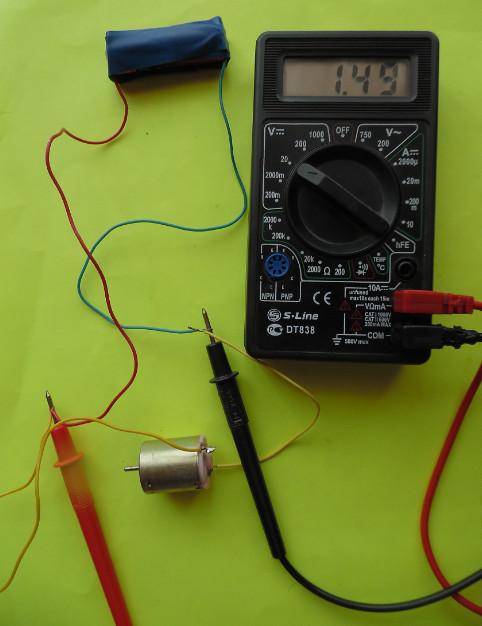
For the experiment, we used a standard 3V motor, the kind found in almost all electric toys. The wires were attached to the battery with regular electrical tape.
First, connect the battery and the motor, then insert the multimeter probes into the butt joint. As you can see from the figure, the display shows 1.49 volts. This is 0.06 volts lower than the initial reading. This drop occurred within 2 minutes of motor operation. Therefore, the battery's performance is normal.
How to test a AAA battery with a multimeter?
Examination AAA batteries, with a multimeter, it is carried out in the same way as shown above. Due to the small dimensions, it is possible to measure galvanic cellIt'll be a little more complicated. For ease of measurement, the probes can be attached to the pinky element using tape or electrical tape.
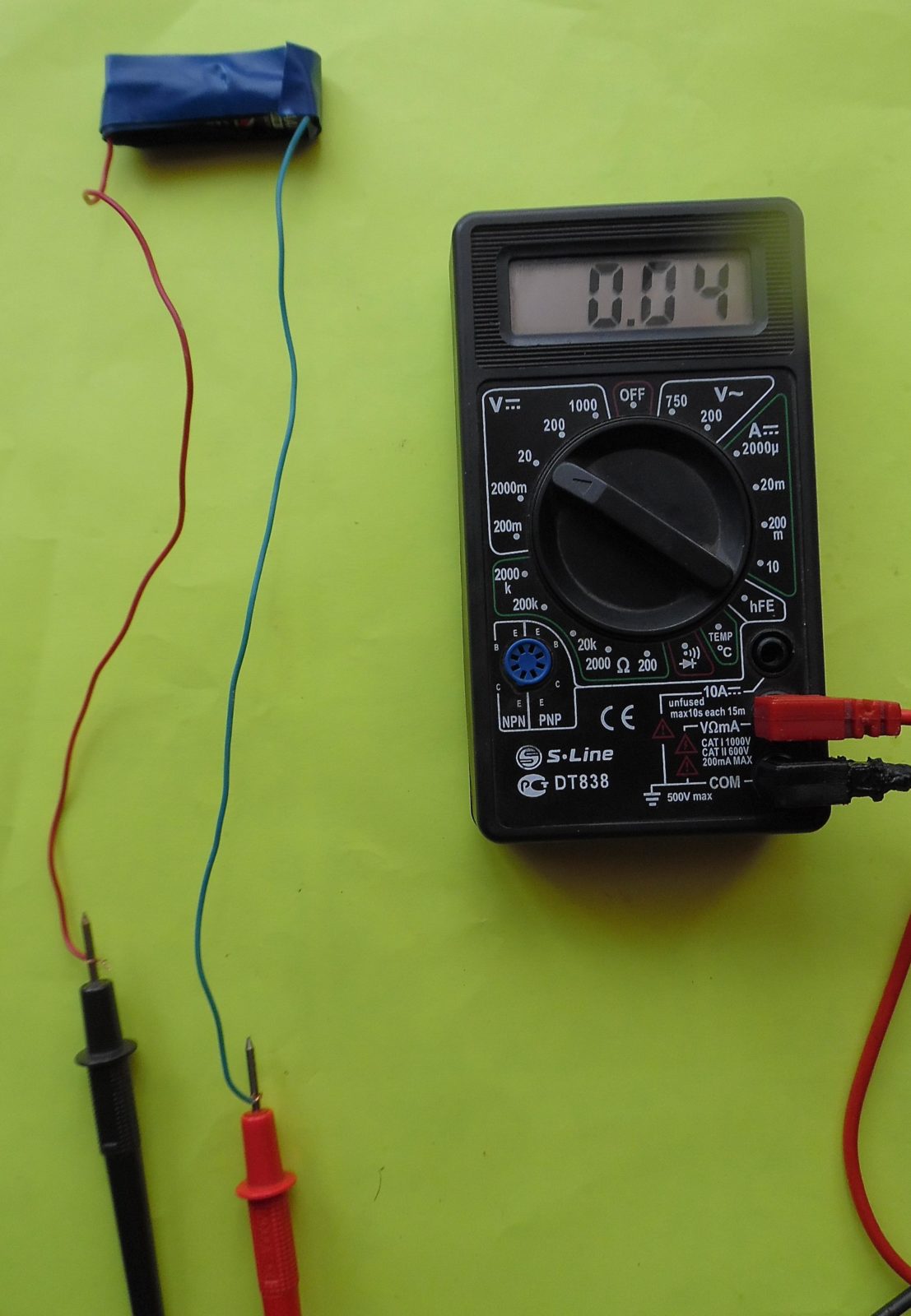
As you can see, the voltage is almost zero, 0.04 volts. This battery won't even be able to start a regular watch.
How to test a phone battery with a multimeter
Typically, the terminals of a phone battery are marked positive and negative. But if yours doesn't have these markings, don't worry—you can determine them experimentally.
You can check the battery on your phone with a multimeter by placing the probes on the contacts and turning the device to level 20.
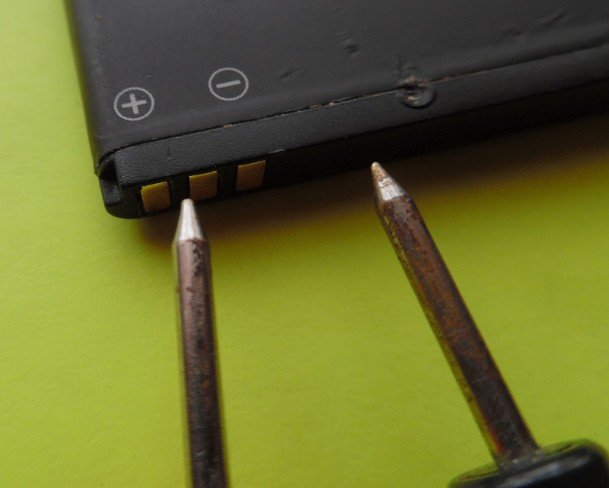
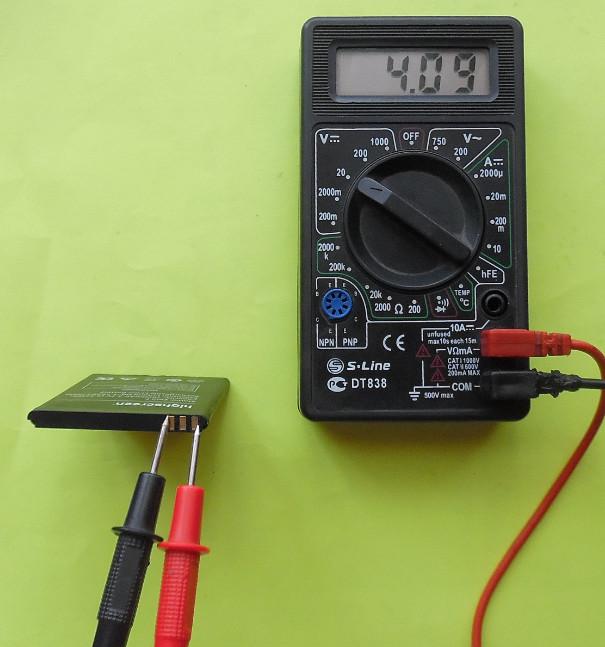
A phone's battery voltage is typically 3.7 volts, but the figure shows 4.09 volts. This is because an old, slightly swollen battery was used during testing.
Thus, you can check your phone battery using a multimeter.
How to check a tablet battery with a multimeter?
It is difficult to measure the tablet battery with a multimeter. Some tabletsThey don't have access to the battery. To get to it, you have to unscrew the bolts.


Even after removing all the bolts, removing the cover isn't easy. It's still held in place by latches. Something like this awaits under the cover:
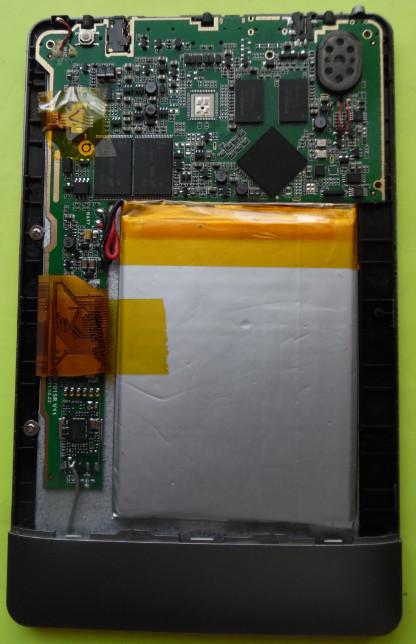
A large array of white color is what it is tablet batteryWe're interested in its contacts. There are two wires coming from the battery, red and black, and those are what we need.
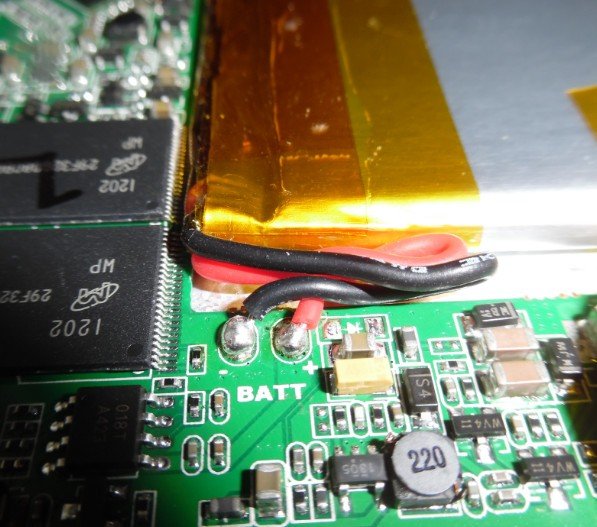
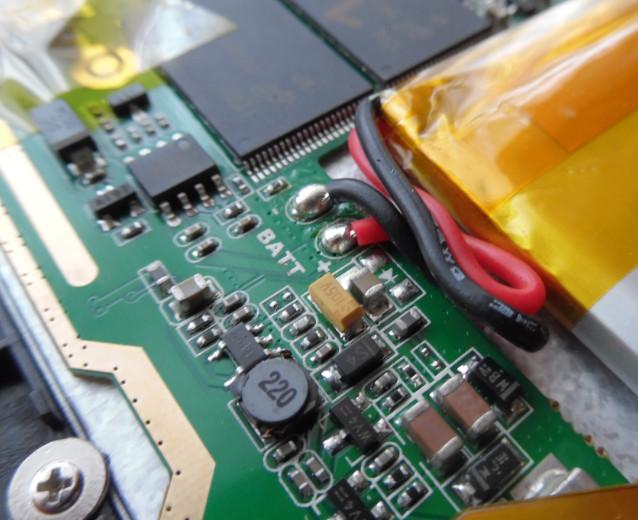
To remove voltage from the battery, thereby checking it, apply the black probe to the solder joint of the black wire, and the red probe to the solder joint of the red wire.

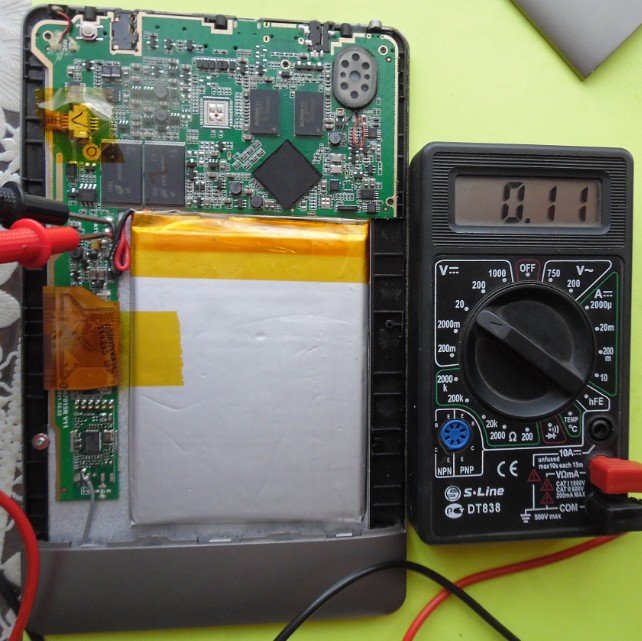
The multimeter shows the battery voltage is 0.11 volts. This is bad and the battery needs to be recharged.
How to check a screwdriver battery with a multimeter?
Battery life screwdriverIt's checked in much the same way as all other batteries. The main thing is to find the "+" and "-" contacts.
Checking batteries screwdriver:
Connect the multimeter leads to the battery terminals and read the value on the display. Before doing this, inspect the battery to determine its volts.
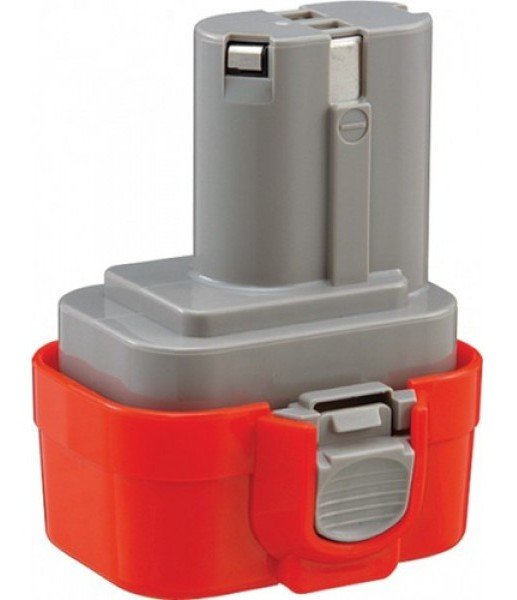
If the value is below the permissible limit, then recharge it. Well, if it discharges quickly, it's time to change the battery.
How to test a krona battery with a multimeter?
Serviceability crown batteriesIt's fairly easy to check with a tester. Simply connect the measuring device's leads to the battery terminals and look at the device's screen.
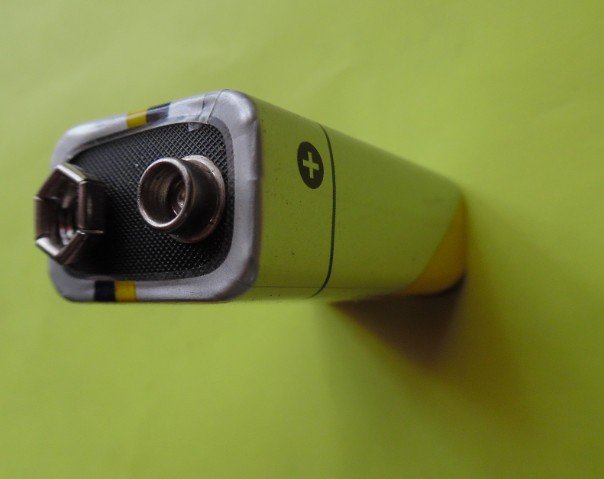

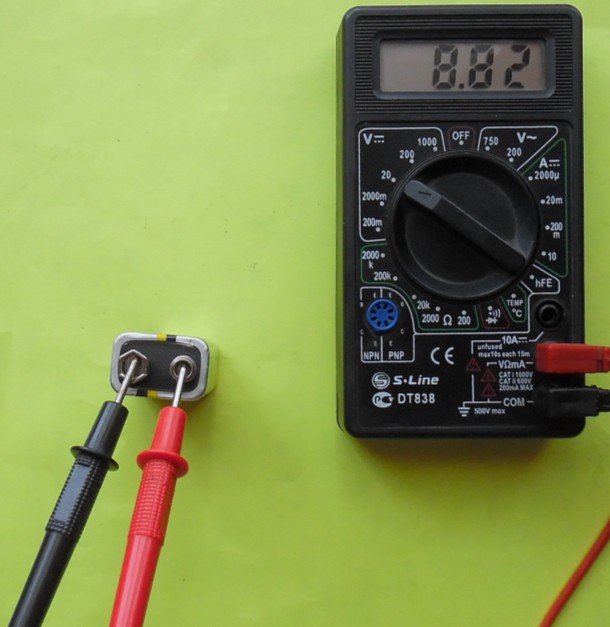
As you can see on the case, its voltage should be 9 volts. But the device shows 8.82 volts. This means the battery is slightly discharged. Despite this, the battery is fully functional!
How to test a watch battery with a multimeter?
Watch batteries They can vary. For example, Chinese alarm clocks use a finger-type battery, while some use a pinky-type battery. Wristwatches use button batteries.
You can test this battery with a multimeter by placing one end of the probe on the positive terminal and the other on the negative terminal. The positive terminal is wide and covers a significant portion of the battery.

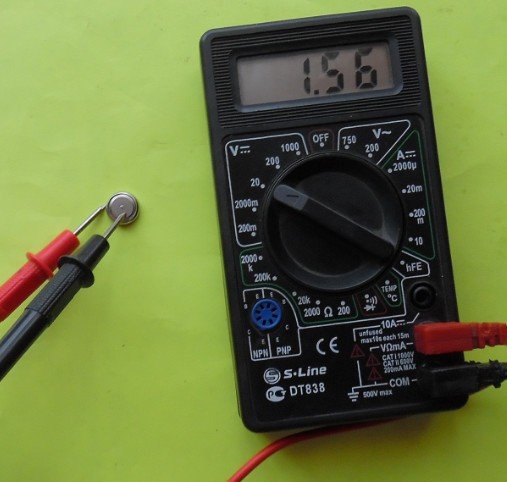
Thus, the voltage of this battery is 1.56 v.
How to test a CR2032 battery on a motherboard with a multimeter?
You can test the BIOS battery with a multimeter after removing it from the board. However, if the positive and negative contacts are visible, you can touch them with the measuring device's probes and take readings.
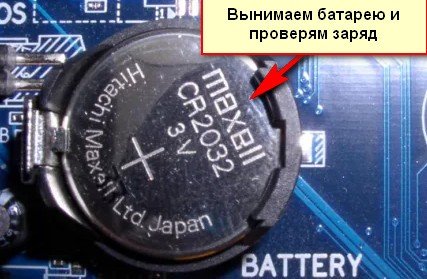
As you can see, this is a battery CR2032With a voltage of 3 V. Therefore, if the voltage is lower during testing, it's best to replace the battery. Typically, such button batteries aren't replaced for 3-5 years. They require replacement if the computer's date starts to reset itself or if other glitches occur.
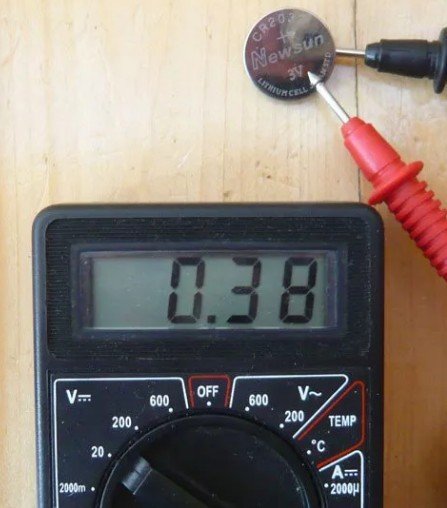
The battery shown in the picture needs to be replaced. You can also read about this type of battery here:https://battery-en.techinfus.com/batarejka-dlya-materinskoj-platy-i-ee-zamena/
How to check a battery with a multimeter?
To check, take the required battery and, just like with a digital battery, connect the terminals to the positive and negative poles.
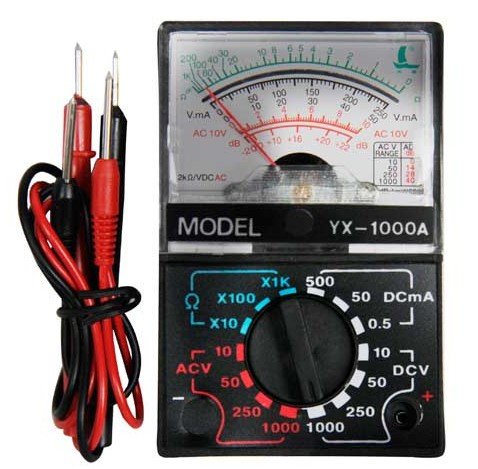
Don't forget to switch the device to the battery measurement position!
In principle, you can check a battery without a tester. To do this, stand it upright, lift it 2 cm, and release. If it bounces, it's dead. A charged battery won't bounce as much.
You can also test a battery's functionality without a device, using a lamp. However, this test will only show that there's voltage and that the battery isn't discharged. In short, it's safe to use. This experiment can be performed at home.
You can find out if a battery is working by inserting it into the desired electronic device. You can also use a tester, i.e., a multimeter. Or you can use the simple method described above. This method can be used to check a round battery. AA batteryand many others.
There's a dedicated battery capacity checker for Android called 3C Battery Monitor Widget! However, it only measures the battery life of your phone.
Now you know how to test batteries with a multimeter and detect voltage!
Read also:
How to check battery capacity with a multimeter?