The tech industry produces both corded and wireless microphones. Wireless devices run on batteries and can be used anywhere. However, they have one significant drawback: battery life. So, which microphone batteries should you choose to prolong their life? That's what this article will cover!
What types of power elements are there?
Speakerphones use different power sources. It all depends on the type of device you have. For example, a button cell battery is perfectly suitable for a miniature device. However, if you have a larger, full-size device, a 9-volt battery is essential.
List of batteries used in microphones:
You can learn more about each of these power supplies by following the corresponding link!
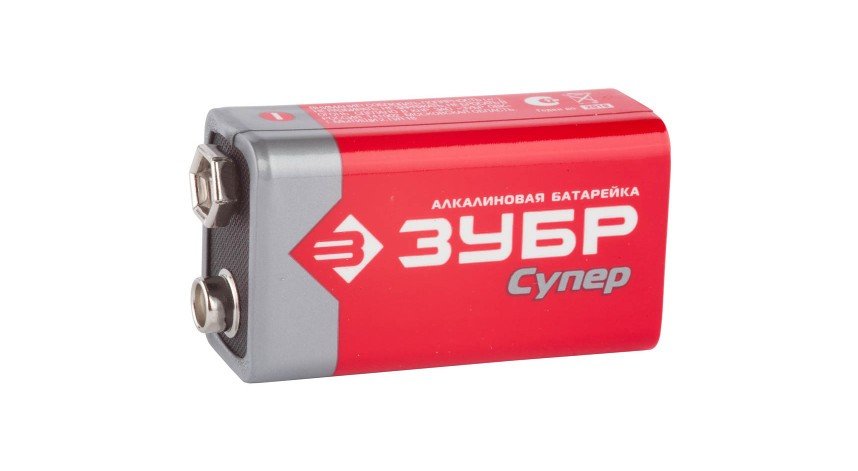
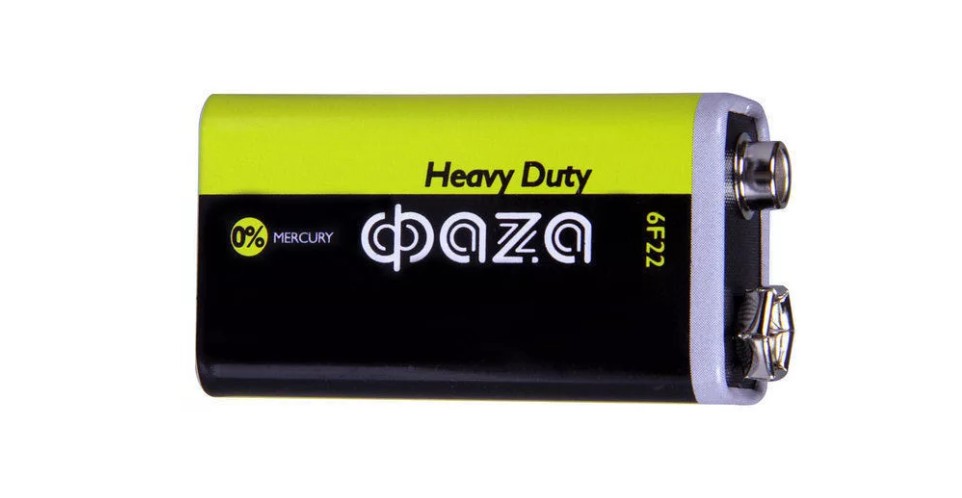
The first type has a rectangular design and a voltage of 9 volts. This power supply is suitable for high-power devices. It is manufactured both in Russia and abroad.
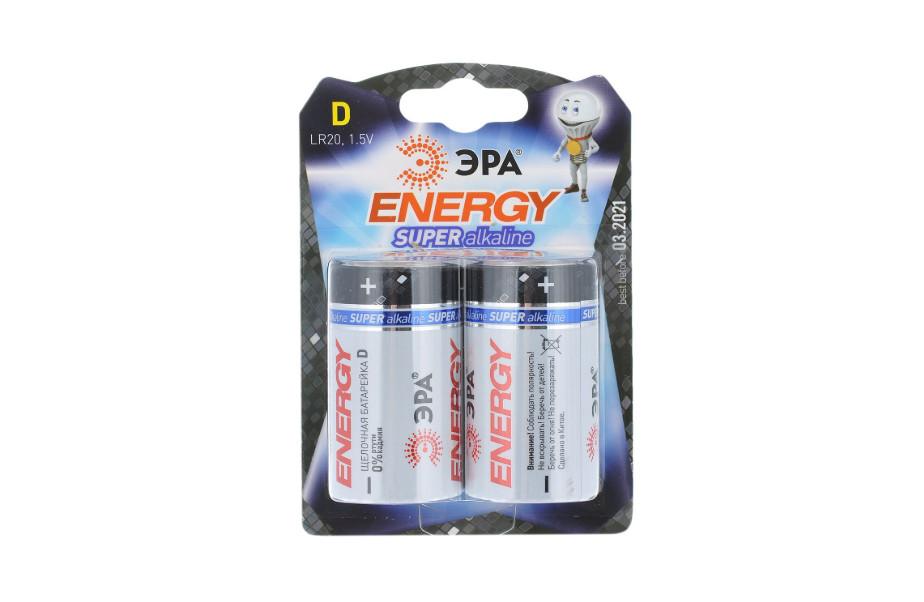
The second option is a 3-volt element shaped like a mini-barrel. It's perfect for devices with low current consumption.
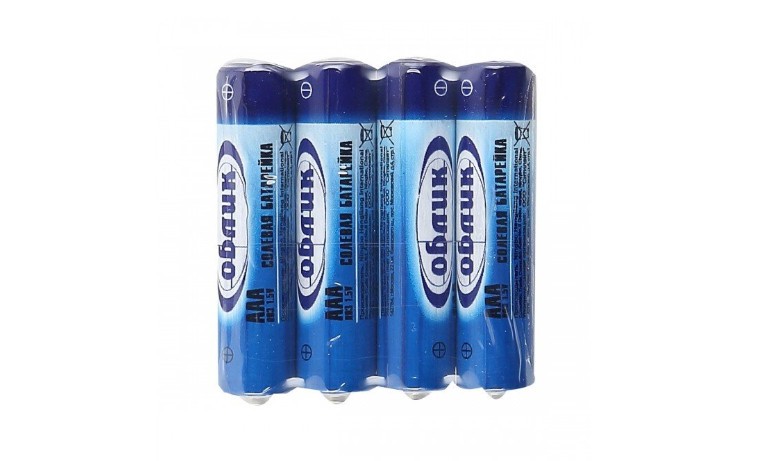
The third type is the usual AA batteriesstandard format. They have a voltage of 1.5 volts and have a small capacity.
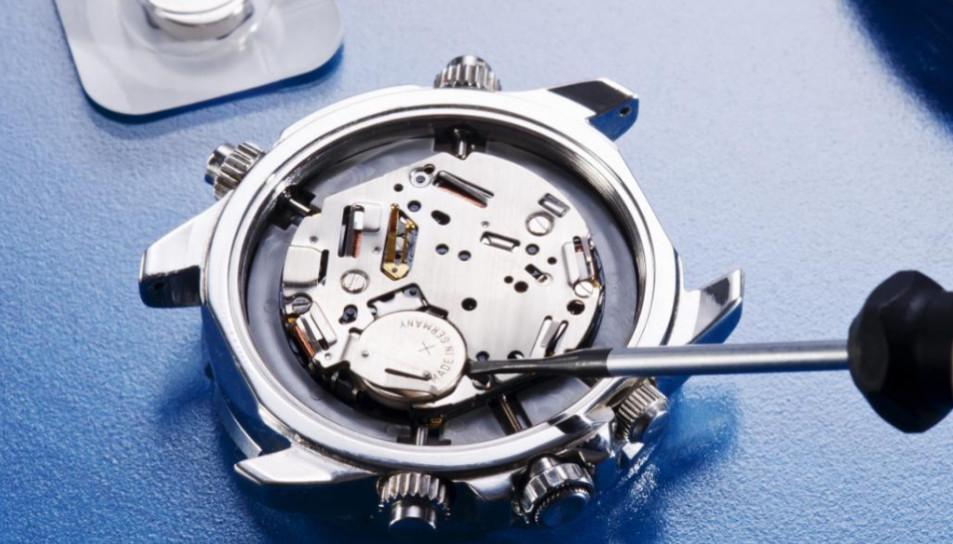
The fourth power source has a flat, miniature design and is used in key fobs, flashlights, remote controls, motherboards, and, more recently, microphones. The power element has a voltage of 3 volts and capacityabout 200 mAh.
The fifth type is also a button cell battery with a voltage of 1.5 volts. It is quite common and is produced in Russia, China, Japan, the USA, and other countries.
Using batteries in a microphone
Some owners of these gadgets wonder if they should use a rechargeable battery instead of a battery. This is certainly possible, but AA batteries, for example, have a voltage of 1.2 volts, which isn't quite what you need. Furthermore, rechargeable batteries tend to experience a sharp voltage drop.
For example, with a battery, the voltage drops gradually, which can extend the device's operating time. However, with a rechargeable battery, the device shuts off as soon as the voltage drops below 0.9 volts. Sometimes, the microphone may not work at all at 1.2 volts. So, it's a matter of luck: for some, replacing it with batteries works, but for others, it doesn't. You need to experiment and draw your own conclusions, as everyone's microphone is different.
How to insert a battery into a microphone?
To do this, simply follow the simple steps below.
- Prepare the required power supply in advance.
- Open the battery compartment.
- Pull out your spent energy source.
- Observing polarityInsert a new microphone battery with the positive terminal connected to the positive terminal and the negative terminal connected to the negative terminal.
- Close the lid.
- Turn on your device.
- Check if your device is working.
This completes the battery insertion.
Video on how to replace a microphone battery