A device like a calculator can operate for a very long time on a single pair of batteries. This usually depends on how often it's used. Most often, they last for 6-12 months. Then, unexpectedly, the numbers on the display start to fade, becoming barely visible. Then, you have to replace it. But how do you replace it? And what kind of battery does a calculator need anyway? That's what we'll discuss in today's article!
We change batteries in the calculator and select the right ones
To find out what power sources are in your specific device, remove the battery cover. Then, remove the old batteries and examine them carefully. They will be labeled with their type. For example: LR44, A76, CR2032, LR1130, GP189 (LR54) etc.
Calculators primarily use button batteries. They are also commonly referred to as button batteries, coin batteries, or flattened batteries. flat, small round ones, etc.
Besides the aforementioned method for identifying power sources, there's another one. Look at the calculator packaging; manufacturers usually include markings there. But if the box is long gone, you've lost your old power sources, and there's no markings on them anywhere, take your calculator to the store.
How to replace batteries in a calculator
The given sequential steps can be used for other types of computers.
- We place the device with the battery compartment facing us.
- If necessary, take a screwdriver.
- We unscrew the screw and move the compartment to the side.
- We remove the cover protecting the energy sources.
- We take out our used batteries.
- We install new ones.
- We close the compartment.
- We screw in the screw.
- We check the device for functionality.
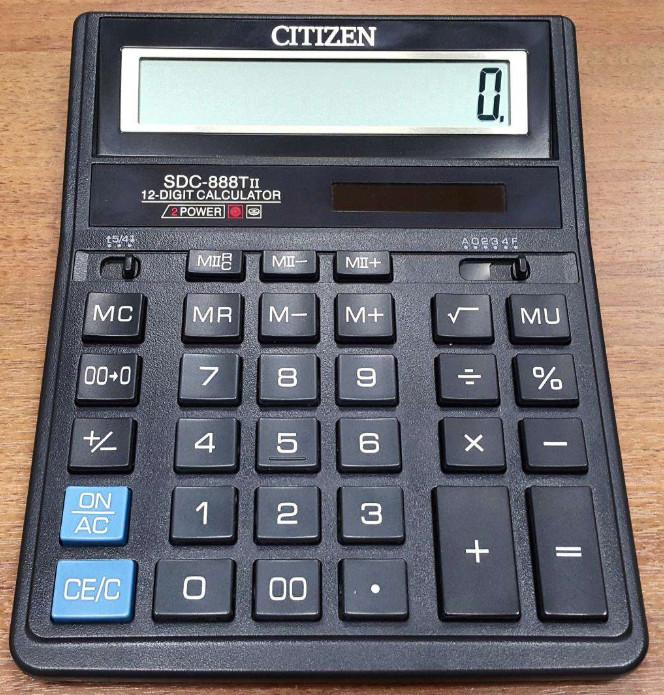
This can be done for either the citizen sdc 888, kd8819a or any other calculator.